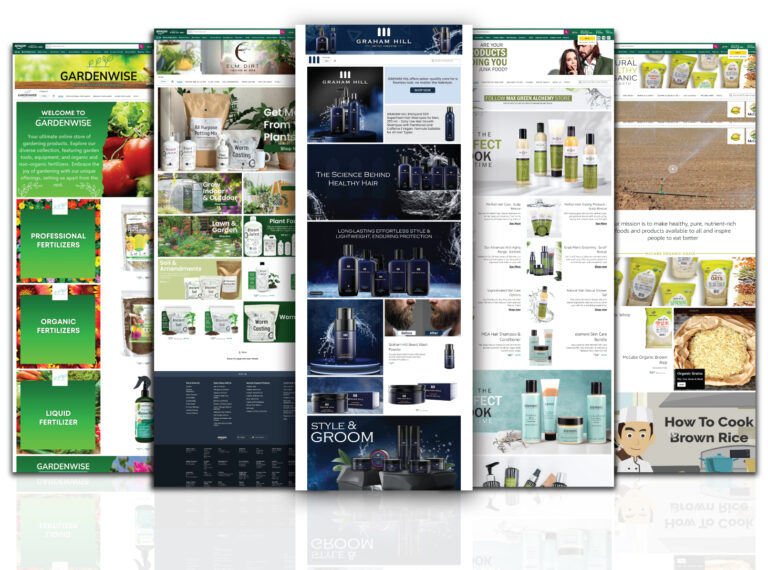
Our EBC designs are proven to help businesses grow on A+ Content Services. The primary focus of EBC is to enhance brand equity and target the unique selling point of your product that can help your viewers in making an informed and confident purchase.
Our team has extensive experience creating Custom A+ Content design across diverse product categories. We understand Amazon’s guidelines, approval requirements, and best practices to ensure your content gets approved quickly
Navigating Amazon Brand Registry can be complex. We provide guidance and support throughout the entire process, from eligibility to implementation.

Fill out the form and get a customized quote within 2 business days.

Select from available module templates or let our experts pick the best module arrangement.

We do the market research, design the banners and create the content.

We deliver you the EBC within the first 3-4 days.

We do the revisions based on your feedback.

We upload the EBC to your seller central and track it until it goes live.
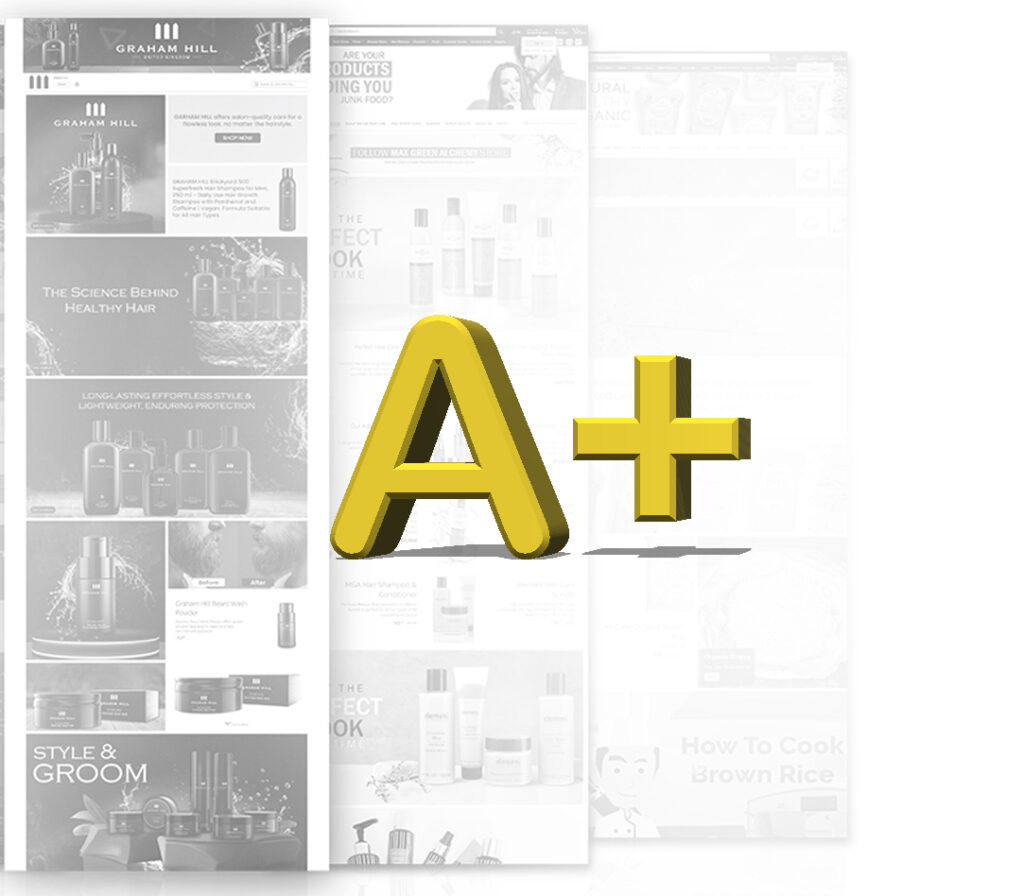
Not all Amazon sellers have access to Amazon A+ Content services. To qualify for A+ Content creation, you must:
• Be enrolled in Amazon Brand Registry services
• Own a registered trademark for your brand
• Sell products under your registered brand name
• Have an active Professional Seller account (for Seller Central users)
• Or be a registered vendor (for Vendor Central users)
If you’re unsure about your eligibility for Amazon Enhanced Brand Content (EBC), our team can help assess your account and guide you through the Brand Registry process.
Types of A+ Content We Create
Standard A+ Content
Ideal for most brands, Standard Amazon A+ Content design includes a range of A+ Content modules, such as:
• Company logo and brand storytelling on Amazon
• Feature comparison charts for Amazon listings
• Image-based product descriptions
• Technical specification tables
• Lifestyle images for Amazon showcasing real product use
Based on our experience creating thousands of successful A+ Content pages, we follow these proven strategies:
Tell Your Brand Story: Connect emotionally with customers by sharing your brand’s mission, values, and unique selling proposition.
Focus on Benefits, Not Just Features: Customers want to know how your product will improve their lives, not just technical specifications.
Follow these easy steps to upload A+ on Amazon.
- Head to your Vendor Central Account.
- Scroll down to the merchandizing menu and click on ‘A+ Detail Pages’.
- Select the module: you can either go for the self-service module or leave that to Amazon.
- Name your project so you remember what it is about.
- Upload your EBC.
- Publish the page.
From an Amazon perspective, it is a program that is designed to give brand owners increased control over their products. With Brand Registry, owners have a direct influence on their detail pages.
WhatsApp us